TCIR / FILTER DEVELOPMENT
The Crimson
From the first optical glass experiments to a green-based filter designed for deeper red foliage.
/01 — Introduction
Understanding the Filter
The Crimson is where True Color Infrared began.
For years, experimenting with alternative forms of colour infrared photography meant working with a limited selection of optical materials. Many experimental combinations relied on stacking conventional colour filters, often originally designed for black-and-white photography. Finding suitable optical glass for more accurate applications was difficult, expensive or simply impractical.
The growing international availability of Chinese optical glass changed that. As these materials became accessible through platforms such as AliExpress, it became possible to investigate new combinations without relying exclusively on traditional photographic filters. What had previously been difficult to obtain was now available for independent experimentation.
This opportunity marked the beginning of The Crimson.
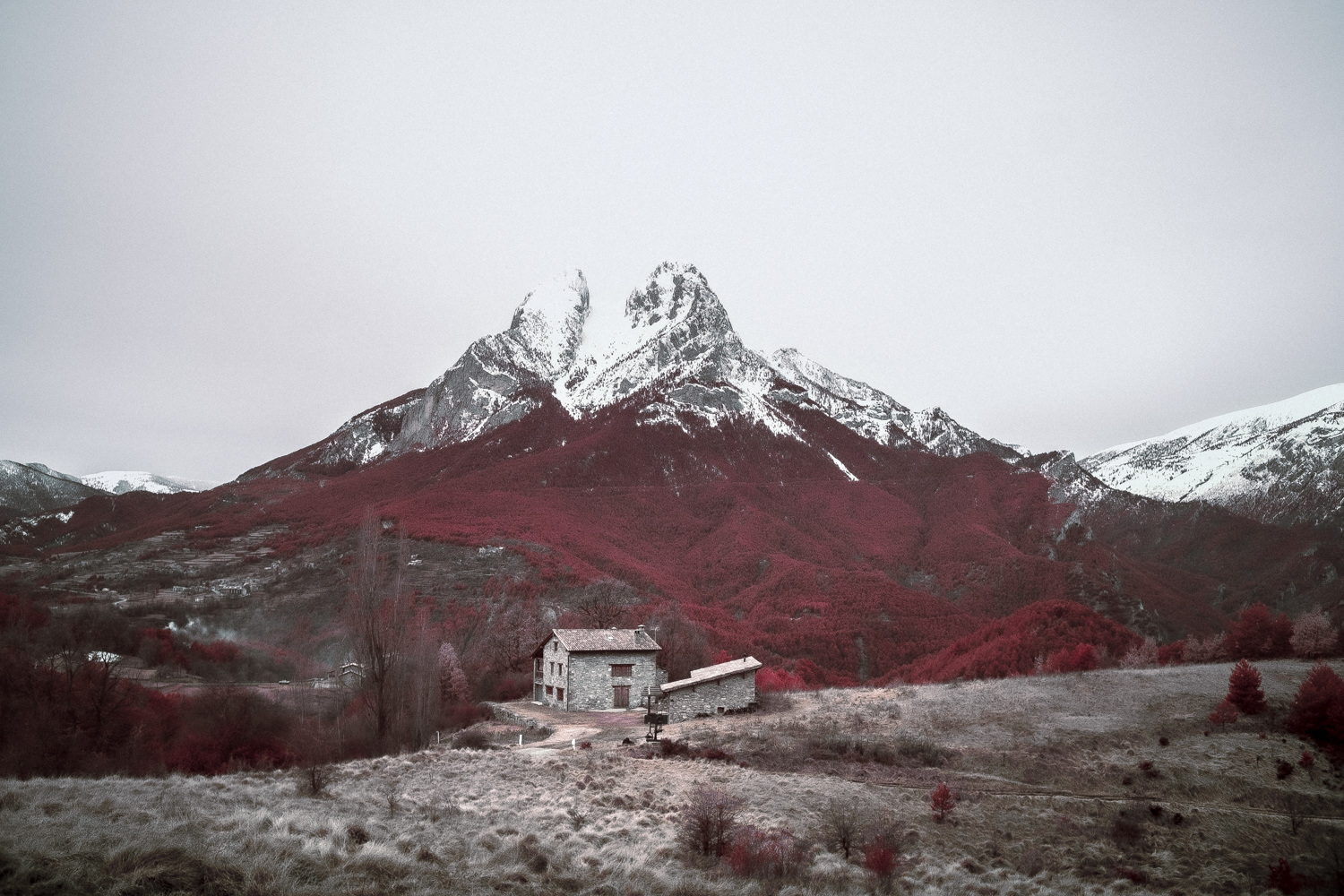
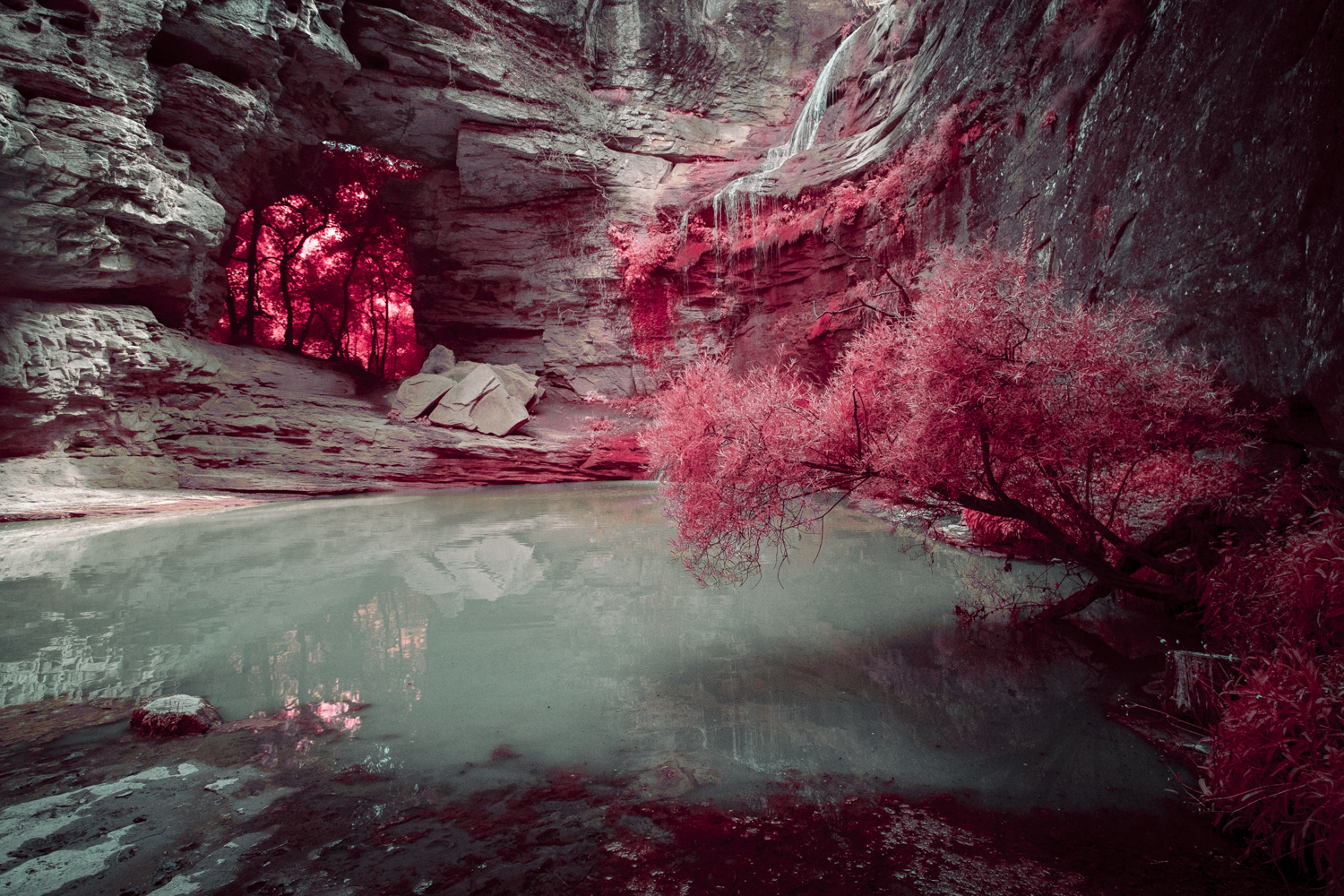
The first experiments focused on different types of blue optical glass and how their visible and near-infrared transmission affected false-colour photographs. Through repeated field tests, a practical combination was developed. That original design was subsequently made available through AliExpress and adopted by photographers experimenting with colour infrared imagery.
The photographs shared by the community showed that the approach was viable. Nevertheless, I was never completely satisfied with its colour response. The relatively high infrared transmission could produce different results across camera sensors. Instead of the red foliage I was pursuing, vegetation sometimes shifted towards yellow, orange or yellow-orange tones.
The search for greater control suggested a change in the visible transmission towards cyan and turquoise. Those experiments eventually led to The Autumnizer, a filter capable of producing reds and magentas alongside yellow and golden foliage. It was an important development, but its broad colour variation was not what I wanted for The Crimson.
The lessons learned from both designs prompted a reconsideration of the original concept. Rather than continuing with blue or cyan optical glass, the redesigned The Crimson would use a green-based optical system and a more carefully controlled contribution from near-infrared light.
Green filtration was already known to produce pink or magenta foliage in certain infrared configurations. By controlling the infrared contribution alongside the visible transmission, the aim was to move that response away from pink and towards deeper, more recognisably red vegetation.
The redesigned The Crimson is therefore the result of the same experimental process that started True Color Infrared: observation, field testing and progressively more deliberate control of spectral transmission.
/02 — The Intent
What It Was Designed For
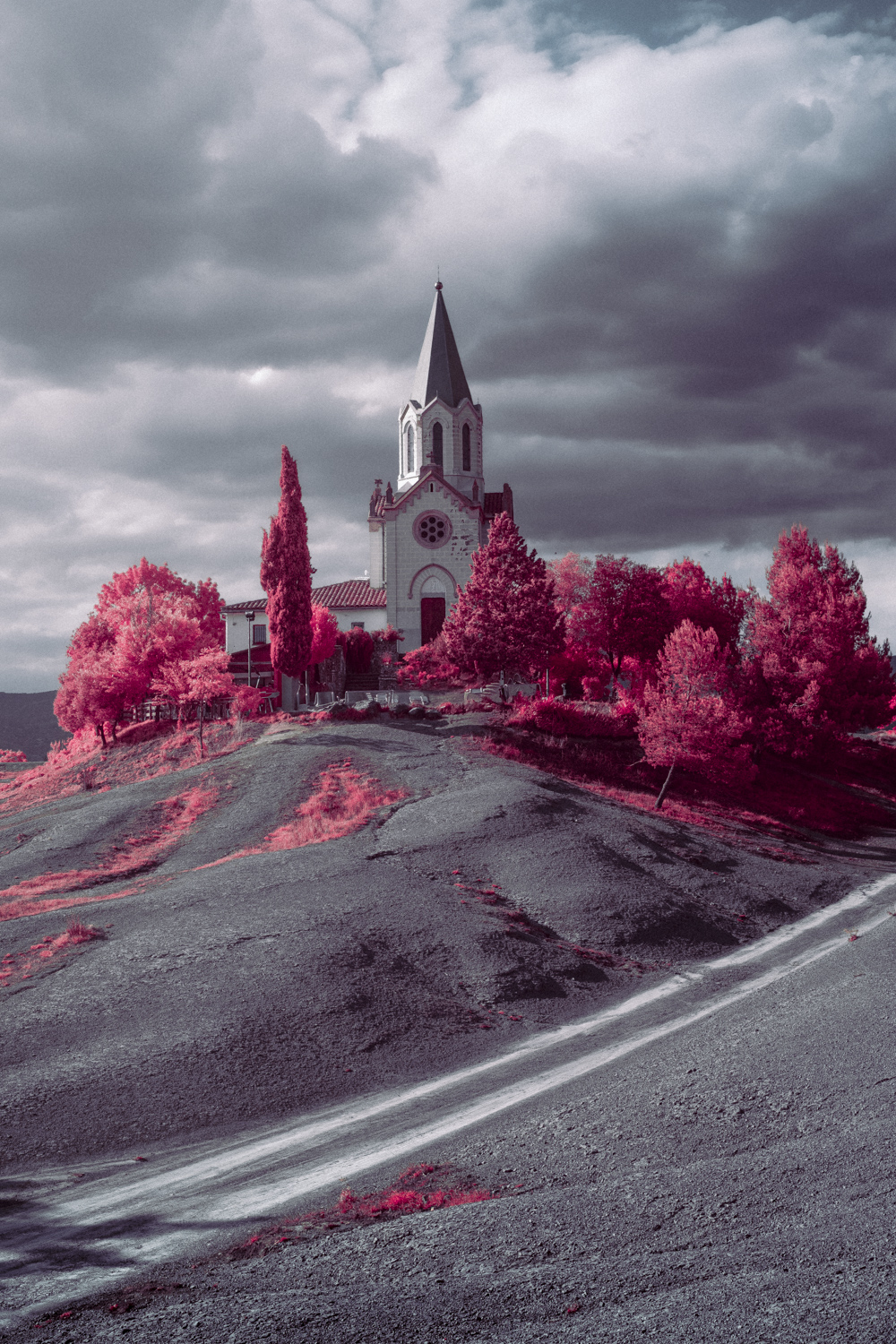
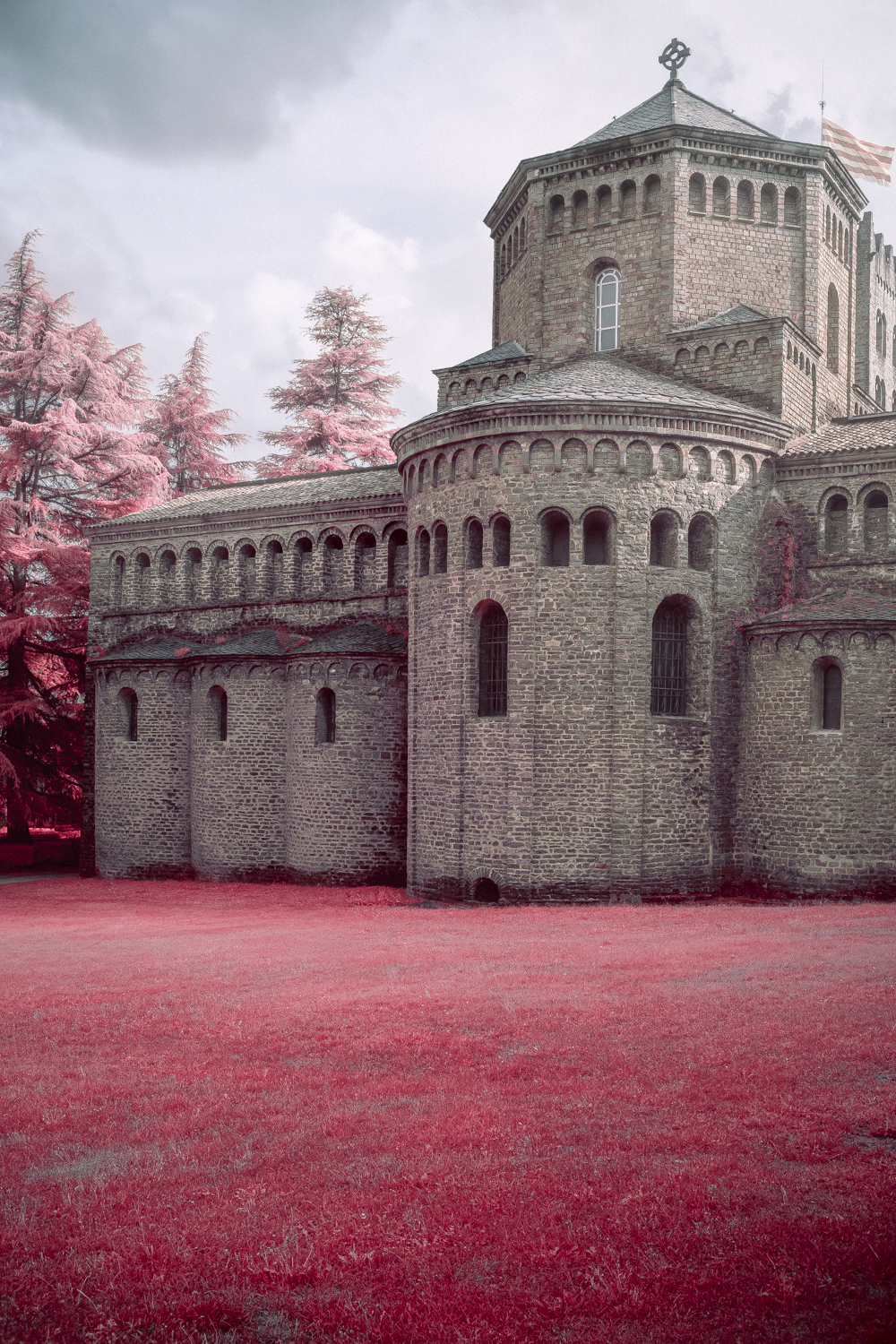
The Crimson was designed to produce red foliage directly from the camera while keeping the rest of the photograph relatively recognisable. Its defining goal is not maximum infrared transmission, but the balance between the visible spectrum and near-infrared light.
A camera converted for full-spectrum photography records light according to the sensitivity of its sensor and colour filter array. Visible and infrared wavelengths can contribute to more than one RGB channel, so the resulting colours also depend on the white balance required to compensate for the filter.
With the original blue-based combination, that interaction could favour yellow or orange vegetation on some sensors. The redesigned system takes a different route: its green-biased visible transmission is intended to require a white-balance correction towards magenta. In combination with controlled infrared transmission, this helps shift strongly infrared-reflective foliage towards red.
The infrared component must therefore be controlled rather than simply maximised. Too much infrared light can change the balance of the channels and undermine the intended colour separation.
A distinct identity
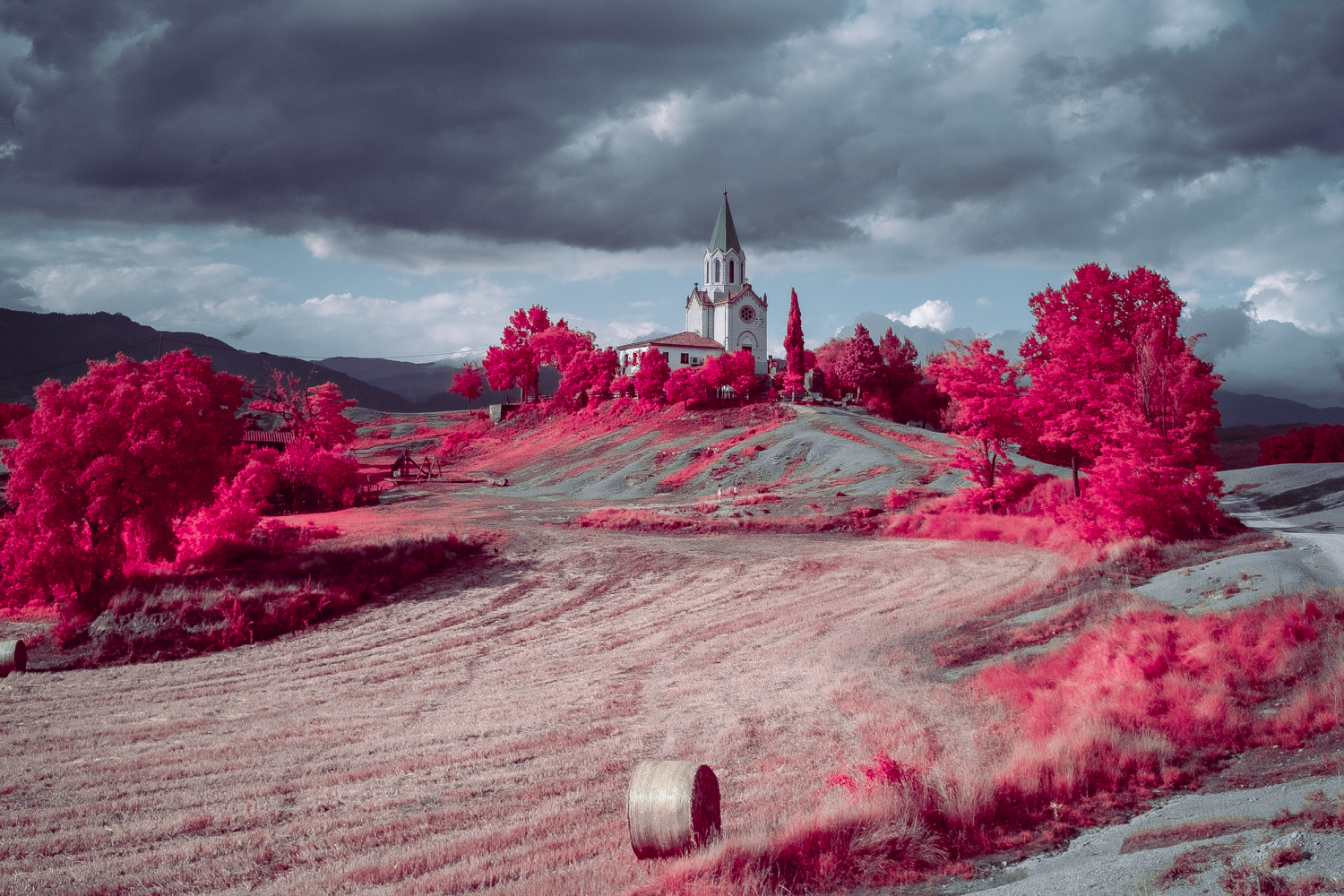
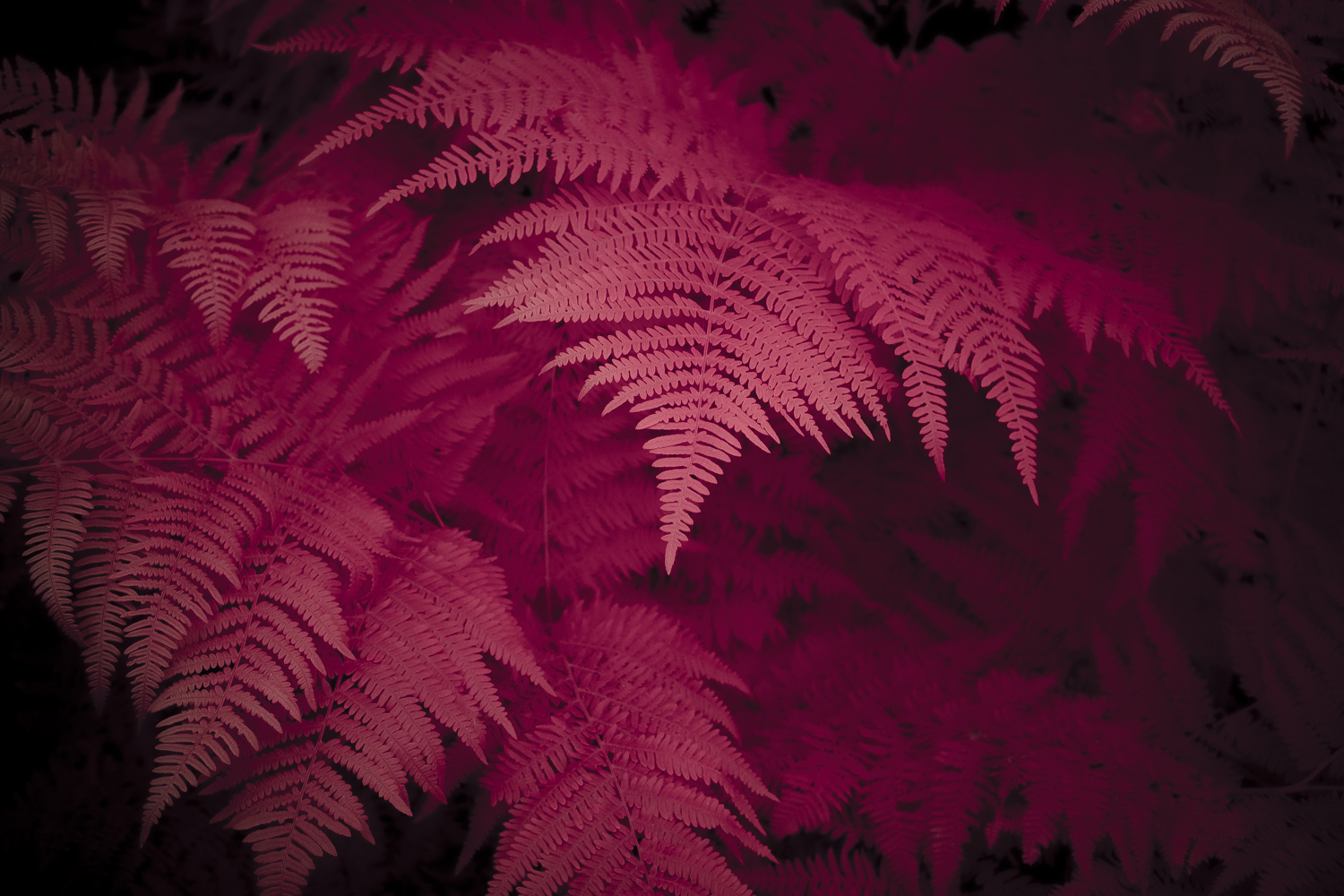
The Crimson v2.0 seeks a narrow, predominantly red result, with less tendency towards the yellow and orange shifts associated with the original prototype.
Eventhough vegetation type, lighting, camera sensor and white balance still matter, the objective is to provide the desired results in many different light situations.
At its best, The Crimson offers a direct, distinctive false-colour rendering in which red vegetation is established optically and through white balance, rather than relying on a channel swap to create the fundamental look.
/03 — Straight Out of Camera
Getting the Shot
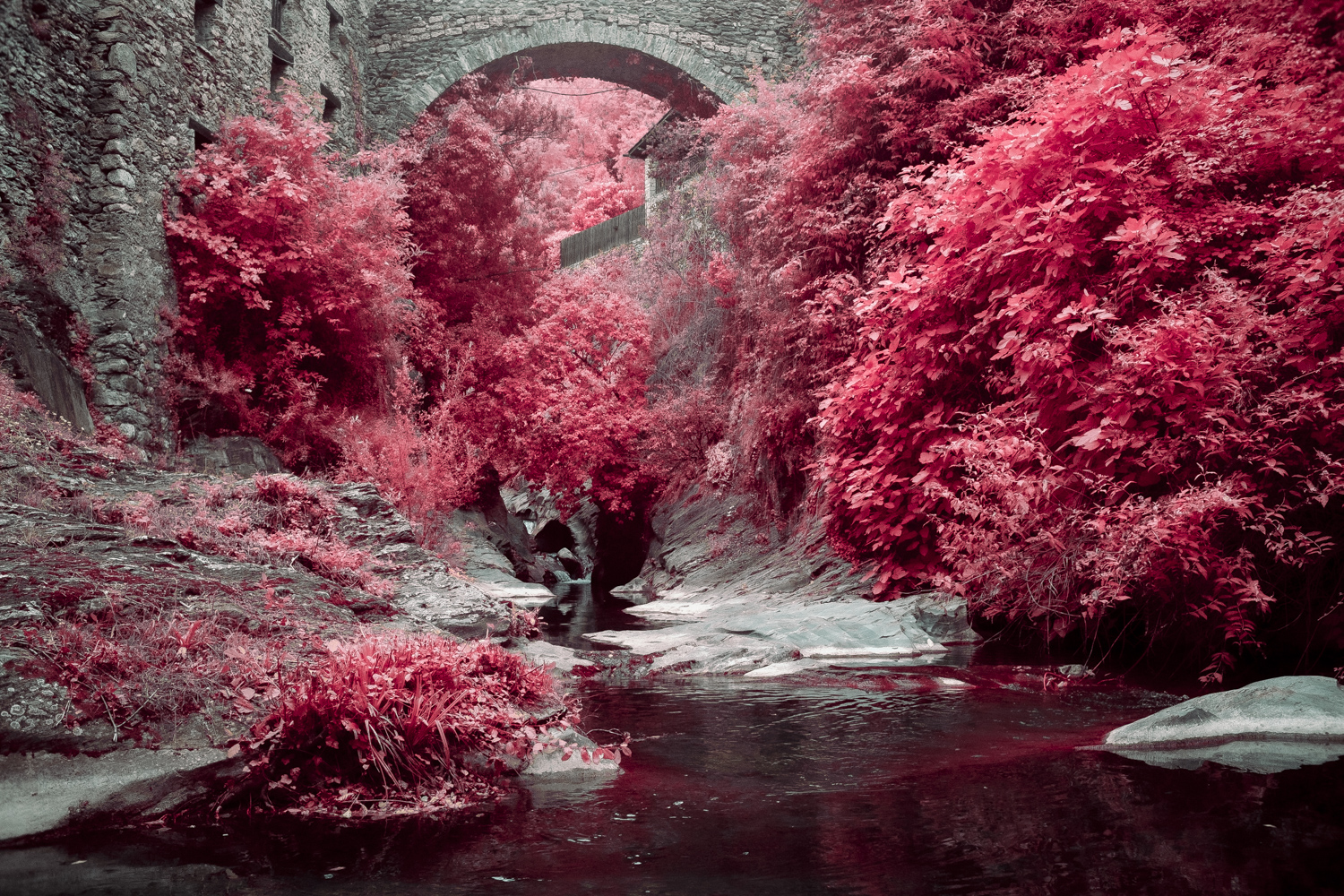
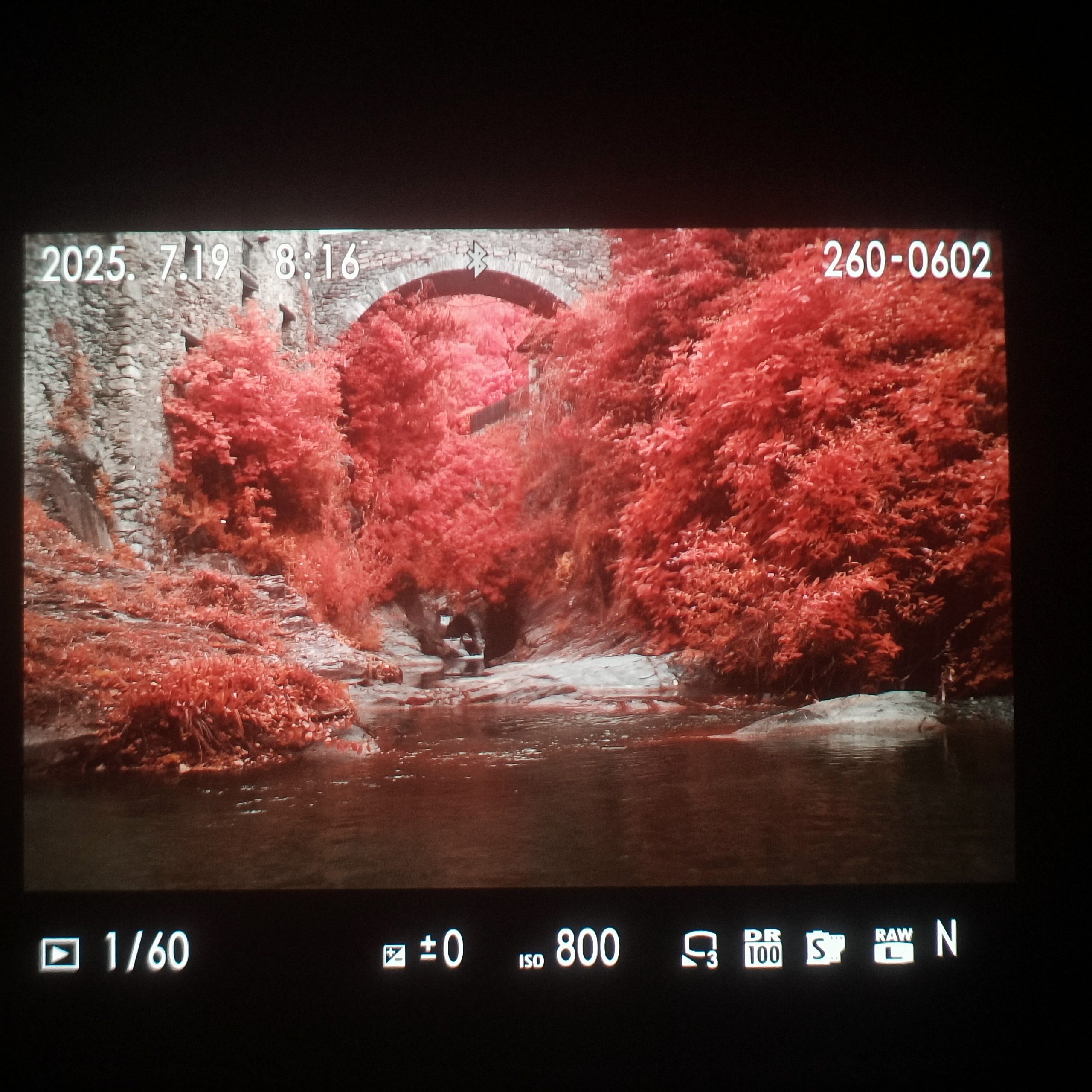
The goal is a usable straight-out-of-camera (SOOC) image, without requiring a channel mixer to introduce the signature foliage colour on full-spectrum modified cameras.
White balance is central to the effect. Because the redesigned filter uses a green-based optical system, compensation generally involves a shift towards magenta. A carefully chosen custom white balance can help establish the intended red foliage directly in the camera.
The bests results are obtained by using a white PVC card that is IR reflective. Normally, WB should be performed under the desired light conditions, but feel free to experiment with different settings.
Fujifilm XT-30
Sensor sensitivity, colour filter arrays and in-camera processing vary between models and makers. The filter can therefore render differently from one camera to another.
/04 — RAW Processing
From Capture to Final Image
If RAW processing is preferred, The Crimson can produce its characteristic red foliage without a traditional channel swap. This filter is most likely to be the hardest filter to use from the collection, since a few HSL sliders won’t make the trick.
White Balance, Calibration, the HSL / Color Mixer and Color Grading all contribute to the final palette. The adjustment values below document a real Adobe Lightroom editing example. They are a starting point for understanding the process, not a universal preset for every camera or lighting condition.
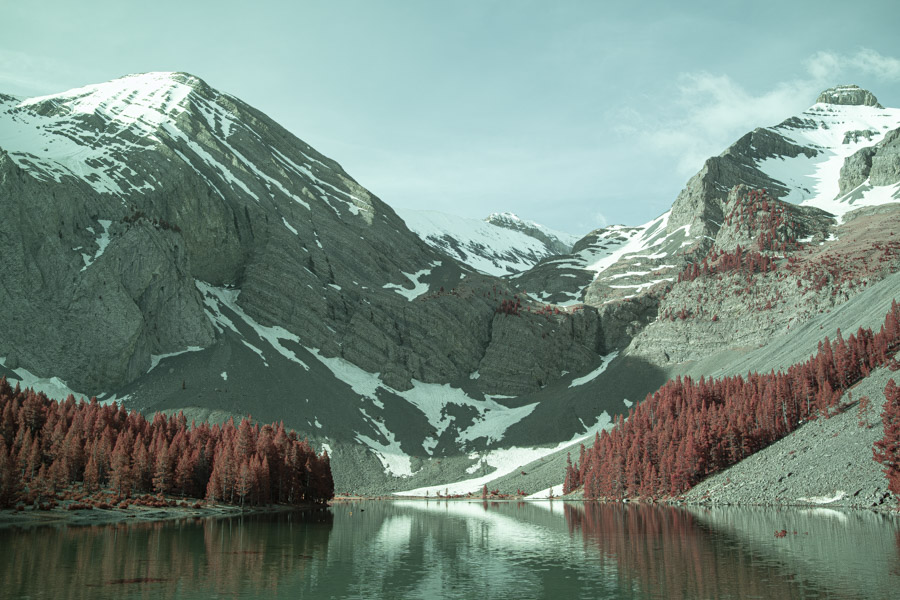
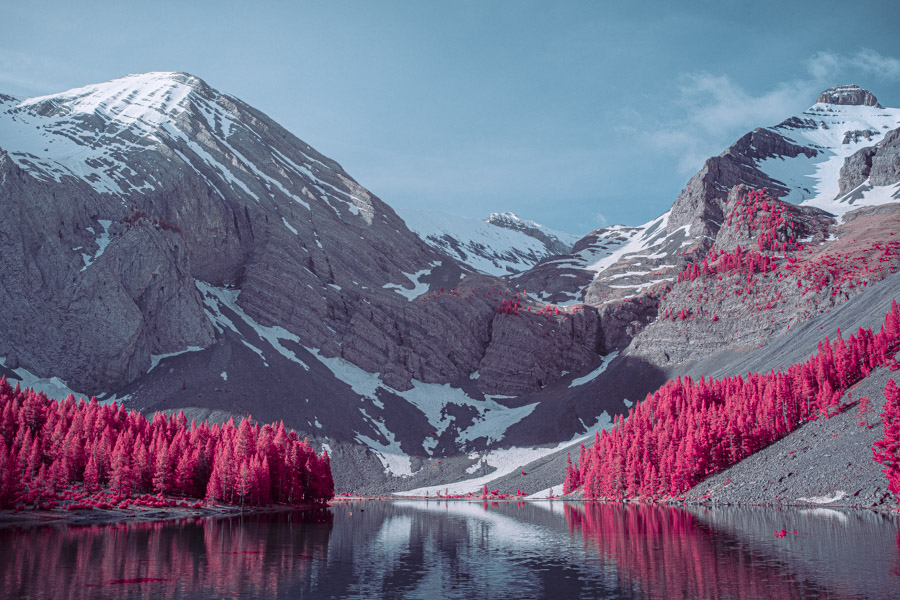
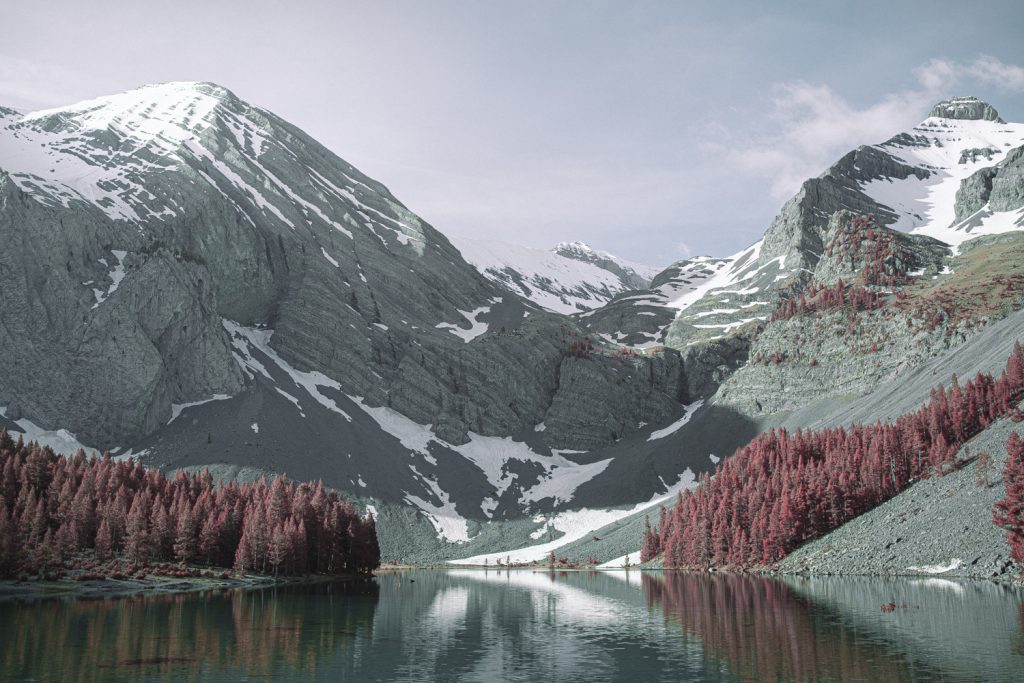
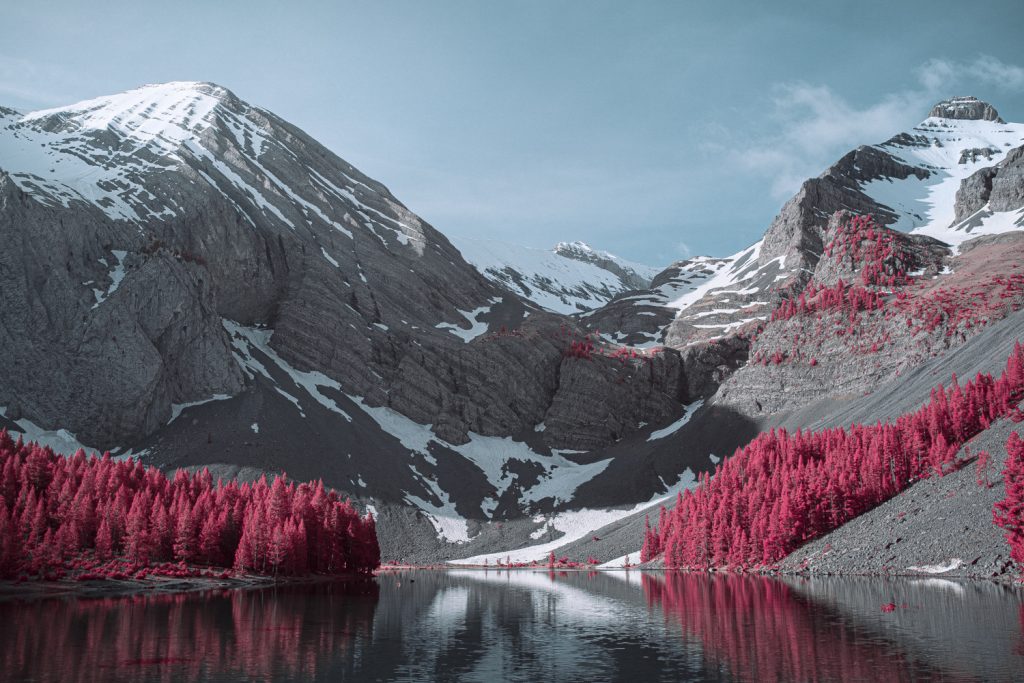
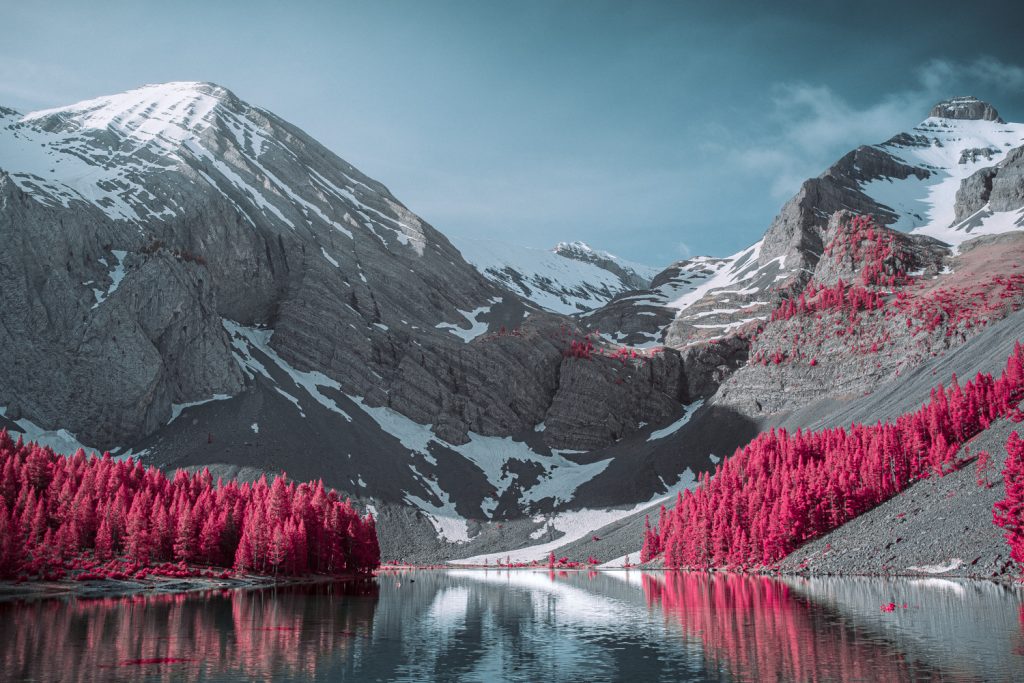
Before and after: Image 01 shows how the RAW file initially appears in the developer, before colour and light adjustments. Image 02 shows the final JPEG exported from the processed RAW, after some major adjustments have been performed.
These are RAW workflow reference images, not camera-original SOOC JPEGs.
Before you begin: the RAW profile matters
This example uses Adobe Lightroom’s current Process Version 6. Start with a compatible camera profile and keep it consistent while reproducing the steps. A different RAW converter or camera profile can map the RGB channels differently, especially with an infrared-converted camera.
The steps below are presented in a practical order: establish white balance, shape the underlying colour response with Calibration, refine individual colour ranges through HSL, and finally adjust the tonal colour balance using Color Grading. If you later change one of the foundational controls, revisit the remaining panels if necessary.
Step 01 / White Balance
The first step is to compensate for the filter’s green-based colour response. In this photograph, the Lightroom white balance was set to 6648 K and Tint +150, an exceptionally strong shift towards magenta.
| White balance control | Value |
|---|---|
| Temperature | 6648 K |
| Tint (green ↔ magenta) | +150 |
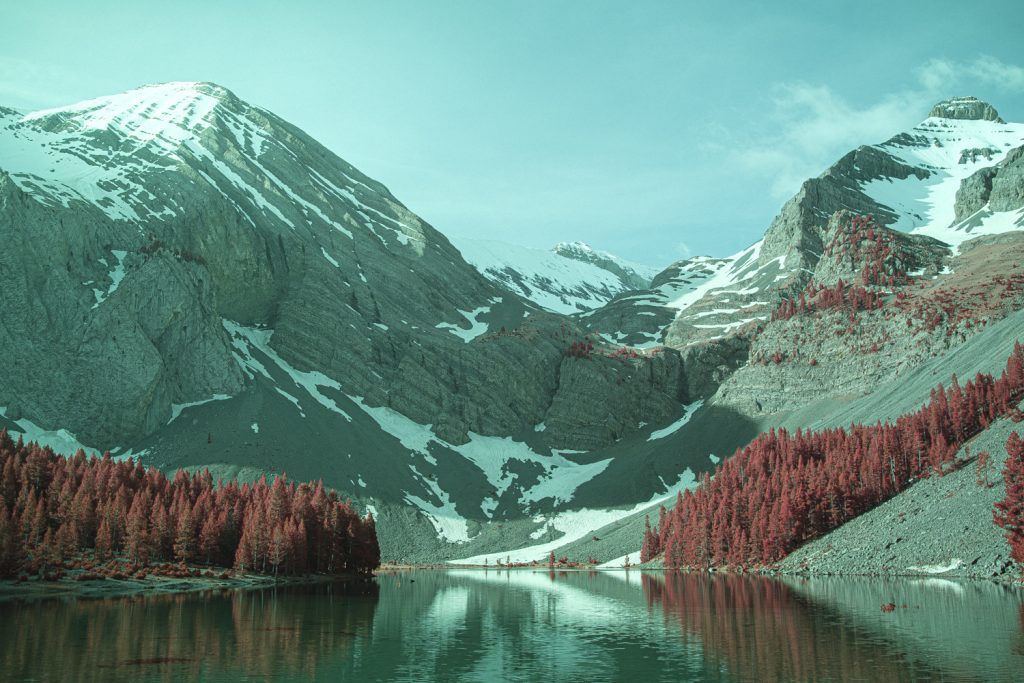
That magenta correction is essential to the intended red foliage. Nevertheless, 6648 K should not be treated as a physically universal colour temperature for infrared images. The exact temperature and tint depend on the camera, sensor conversion, RAW profile, scene and light source.
Step 02 / HSL — refine the individual colours
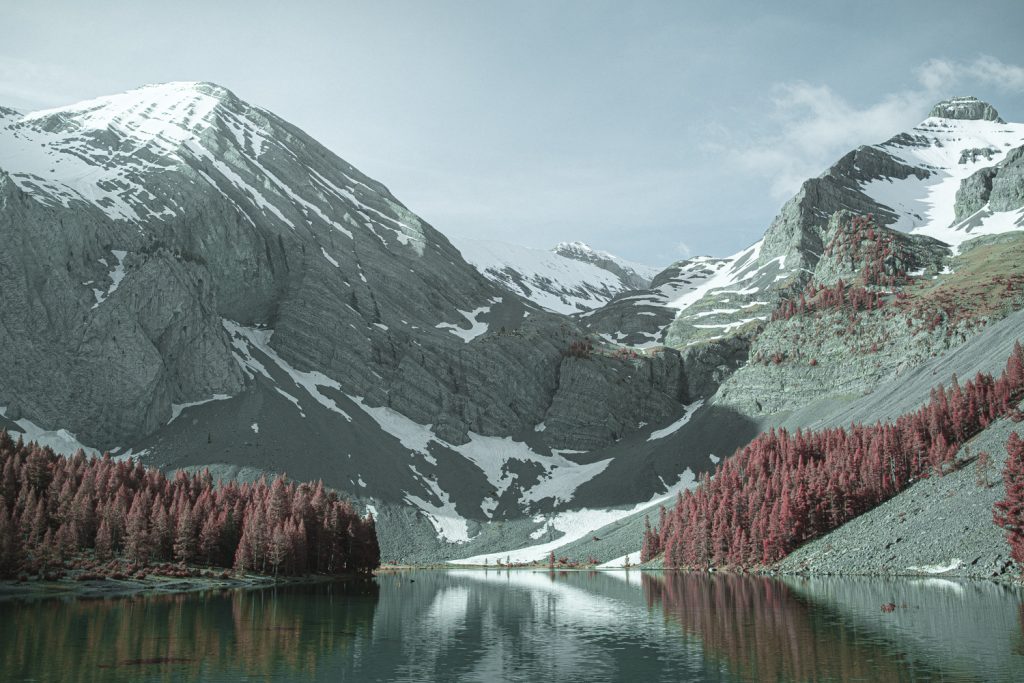
Once the WB has been stablished, the Color Mixer is used to shift hues to the desired value, and fine-tune saturation and luminance.
| Colour range | Hue | Saturation | Luminance |
|---|---|---|---|
| Red | −13 | 0 | +8 |
| Orange | −10 | −65 | +32 |
| Yellow | −29 | −25 | 0 |
| Green | +25 | −19 | 0 |
| Aquamarine | +57 | −61 | +12 |
| Blue | 0 | 0 | 0 |
| Purple | 0 | 0 | 0 |
| Magenta | 0 | 0 | 0 |
Notice that Orange Saturation −65 and Aquamarine Saturation −61 are particularly strong reductions. These controls help remove competing colour casts, while Orange Luminance +32, Red Luminance +8 and Aquamarine Luminance +12 help shape the brightness of the vegetation, sky and water.
The hue changes — including Yellow −29, Green +25 and Aquamarine +57 — modify the transitions between neighbouring colours. They are finishing adjustments for the palette already established with white balance and Calibration; they do not replace Calibration.
Step 03 / Color Grading — separate the tonal regions
Colour grading is necessary: mid-grey and white won’t look natural withou it. Usually, shifting mid-tones and shadows is enough to eliminate the remaining color cast. The trick is easy, find the color cast and use an opposite color to eliminate it.
| Color Grading control | Setting / direction |
|---|---|
| Shadows | Subtle violet / purple bias |
| Midtones | Close to neutral; only a very subtle colour shift |
| Highlights | Subtle warm red / pink bias |
| Blending (Fusión) | 52 |
| Balance (Equilibrio) | 0 |
The slightly violet shadows and warmer highlights help to shape the photograph’s tonal atmosphere without forcing the same cast into every brightness level. The placement of the wheel points should be adjusted visually.
Step 04 / Calibration — the key colour transformation
This is the most important part to understand if conventional edits are not producing the expected result. Lightroom’s Calibration panel changes how the RAW colours are mapped through the red, green and blue primary controls. Its effect is different from simply moving existing orange, yellow or green hues in HSL.
| Calibration / Process Version 6 | Hue | Saturation |
|---|---|---|
| Red Primary | 0 | −42 |
| Green Primary | +94 | +13 |
| Blue Primary | −100 | 0 |
| Calibration / Shadows | Value |
|---|---|
| Shadows Tint | +31 |
The very large Green Primary Hue +94 and Blue Primary Hue −100 changes are deliberate. Combined with Red Primary Saturation −42 and Shadows Tint +31, they alter the overall distribution and separation of colours before the HSL finishing adjustments.
In practice, Calibration helps establish the relationship between the red vegetation and the rest of the scene.
Step 05 / Exposure, contrast and final checks
After setting the colour response, finish with exposure, contrast and local tonal corrections as needed for the photograph. No numerical values for these controls were supplied for this example, so there is no fixed exposure or contrast recipe to copy.
Inspect strongly lit red foliage for clipping or excessively uniform colour. Some originally green surfaces may become grey or dark grey: this is a consequence of the filter and chosen white balance, not necessarily a fault to correct. I suggest avoiding restoring those greens at the expense of the intended red-foliage palette.
Save your Preset
Save your adjustments for other photos. Usually, most photos taken with The Crimson in similar light conditions will render similar under the same preset, so don’t hesitate to use them for a fast and reliable workflow.